Translating Documents with the General Assistant
The General Assistant can translate documents into other languages while preserving their original structure and formatting. This is useful when you need to work with documents across languages without manual rewriting. This article explains how document translation works and how to use it effectively.
Written By Kristė Vagnerytė
Last updated 8 months ago
What You Can Translate
You can translate:
Word documents
PDFs
Presentations
Spreadsheets
During translation, the original document structure—such as headings, tables, and lists—is preserved.
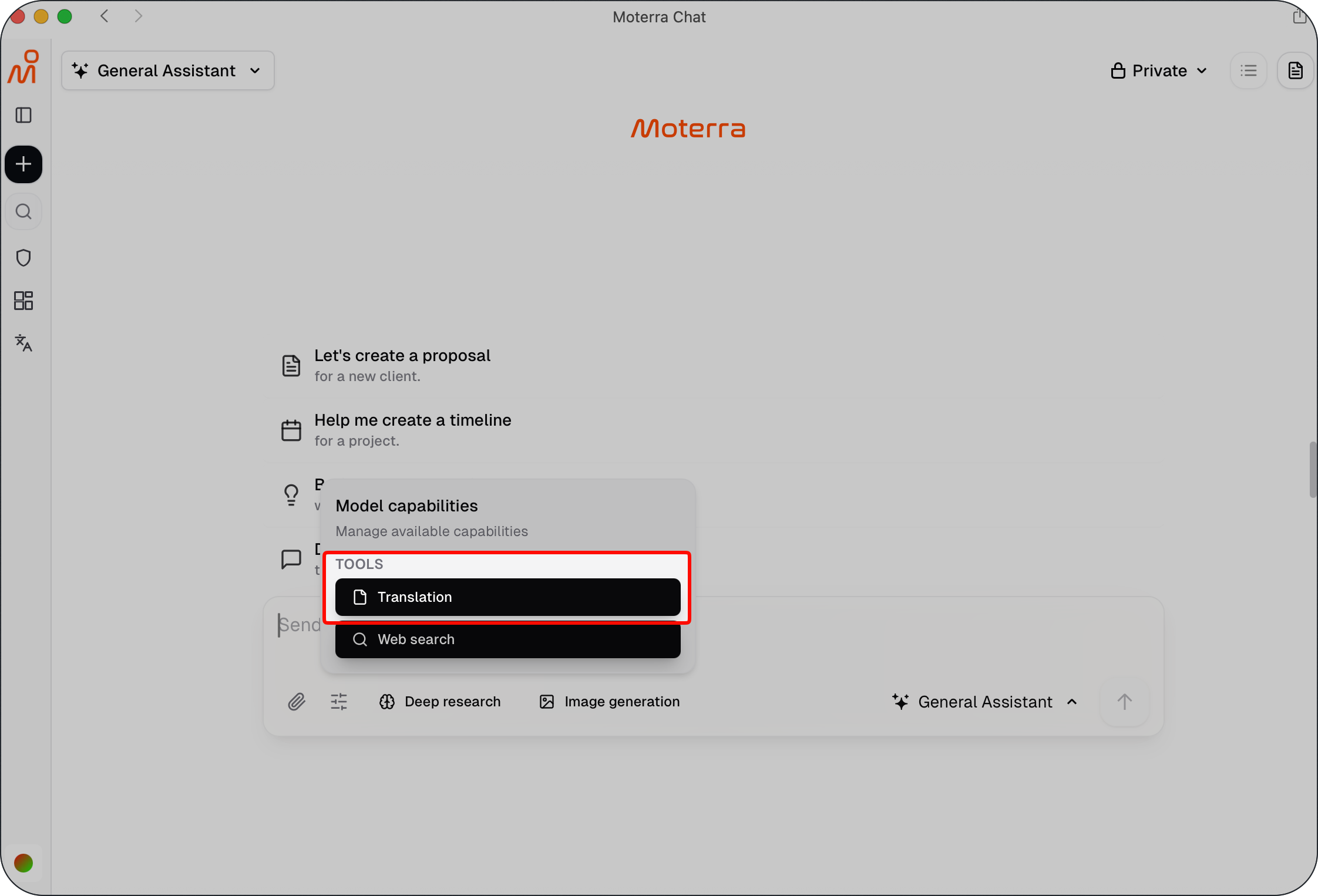
How to Translate a Document
To translate a document:
Upload the file using the attachment icon in the chat
Ask the assistant to translate the document and specify the target language
For example:
Translate this document to English.
Review the translation estimate and choose the preferred translation model (for example, a standard option or a higher-quality option at a different price)
Confirm to receive the translated document
The translated version is returned as a new document.
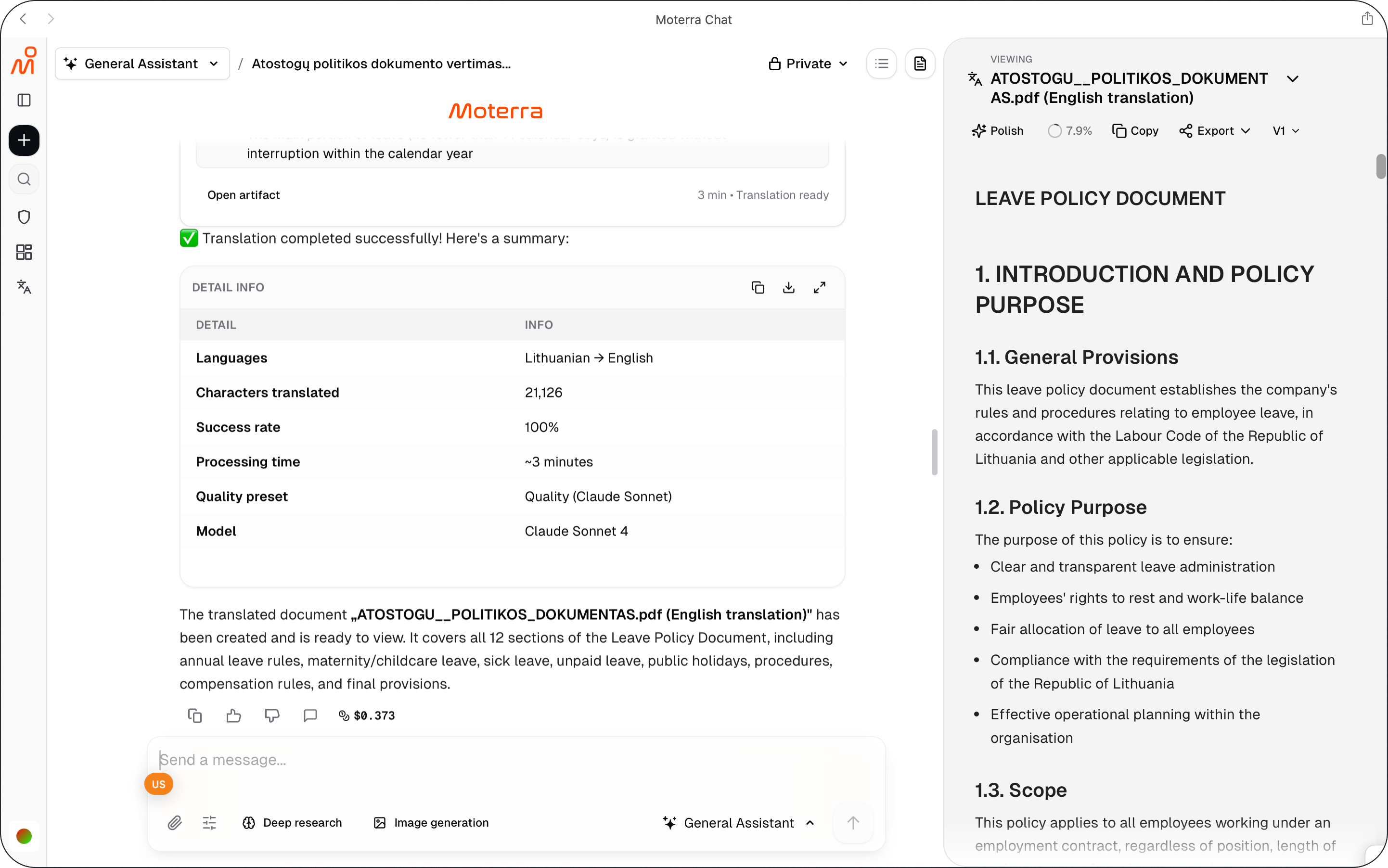
Translation Estimates
Before translation begins, you receive an estimate and can select the preferred translation model.
The estimate allows you to:
• Review the expected cost for each available model
• Choose between different translation quality and pricing options
• Decide whether to proceed
• Avoid unexpected usage
Translation starts only after you confirm your selected model and the estimate.

💡 Cost Transparency: Translation costs are the same AWS variable costs you see after every AI query. For large documents (hundreds of pages), costs can range from tens of cents to over a euro, so the estimate helps you make informed decisions.
Preserving Formatting
When translating documents:
Headings, tables, and lists are preserved
The document layout remains intact
The translated file is ready for further use
This makes translation suitable for business documents, reports, and presentations.
Example: Translating a Document
Example request:
Translate this document to German.
After confirmation, the assistant returns a translated version of the document with the original structure preserved.
Best Practices for Translation
Upload clean, readable files for best results
Specify the exact target language
Review the translated document before sharing
Use a new chat when translating a different document
These practices help ensure accurate and reliable translations.
Common Mistakes to Avoid
Forgetting to specify the target language
Expecting translation without confirming the estimate
Mixing translation tasks with unrelated requests
Avoiding these issues improves translation quality and flow.
What to Read Next
Was this helpful?
Still need help? Ask the team