Chats, projects and skills: what’s what
A short overview of the three ways to work with Claude, and when to use each.
Written By Kristė Vagnerytė
Last updated 19 days ago
You can work with Claude in three main ways: chats, projects and skills. They don’t replace one another — each suits a different situation.
Chat
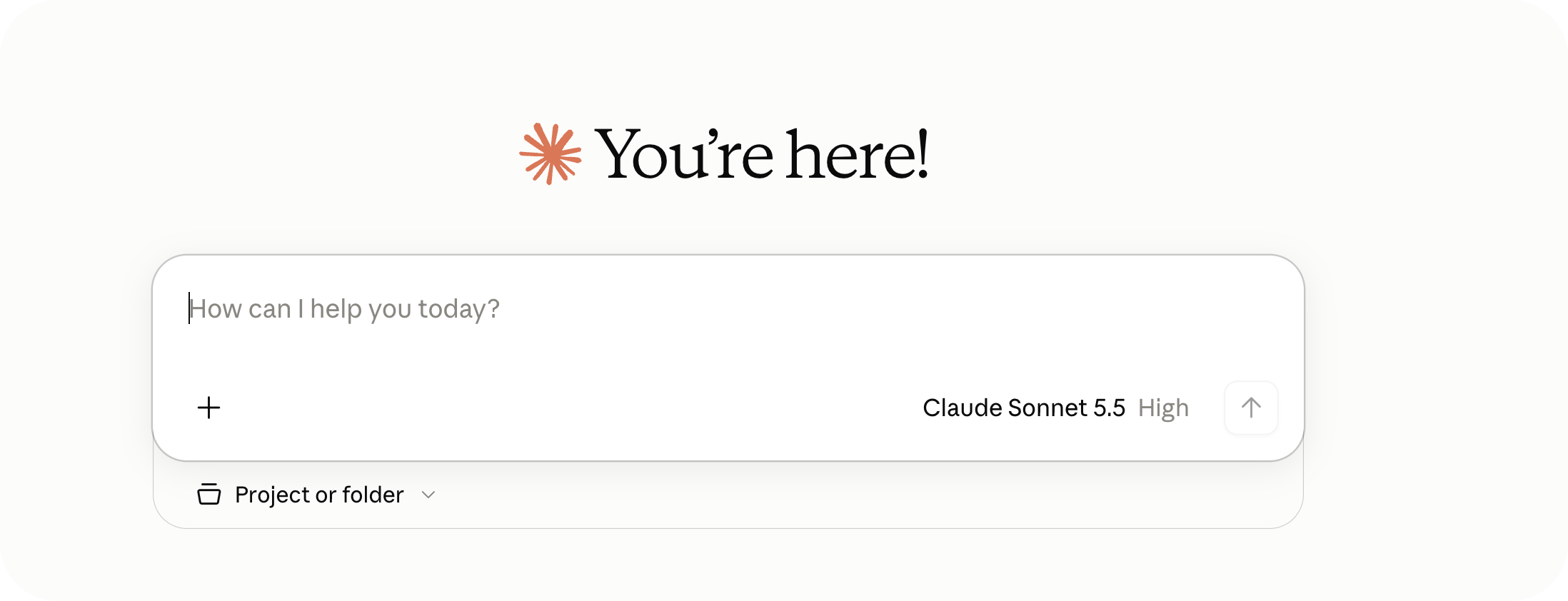
The quickest way to get started. Open a new chat, type a question or task and, if needed, attach a file. Best for one-off tasks such as drafting an email, summarising a document or making a quick comparison.
Project
A persistent workspace that remembers context between chats. You can upload files and give Claude standing instructions, then pick up where you left off. Best for ongoing work with the same documents, such as a client file or a recurring report. Step by step: How to create a project?

Skill
A saved set of instructions for a task you repeat. You describe once what Claude should do and how to present the result, then simply type / and choose the skill. Your organisation may have prepared some skills, and you can create your own. More: What to try first.

Which one should I use?
A one-off task: a chat.
Ongoing work with the same files: a project.
The same task keeps coming back: a skill.
What to read next
Was this helpful?
Still need help? Ask the team