Creating Reports and Documents in Database Assistant
The Database Assistant can create reports and documents based on database query results. This is useful when you want to turn data into a readable summary, report, or structured document. This article explains how to request documents and how to get the most useful output.
Written By Kristė Vagnerytė
Last updated 8 months ago
When to Create a Report or Document
Use reports and documents when you want to:
Summarise query results in written form
Share insights with stakeholders
Turn analysis into a structured report
Document findings from your data
Documents are created only when you explicitly ask for them.
Requesting a Document
By default, the Database Assistant returns answers as text in the chat.
To generate a document, include a clear instruction in your request.
Example request:
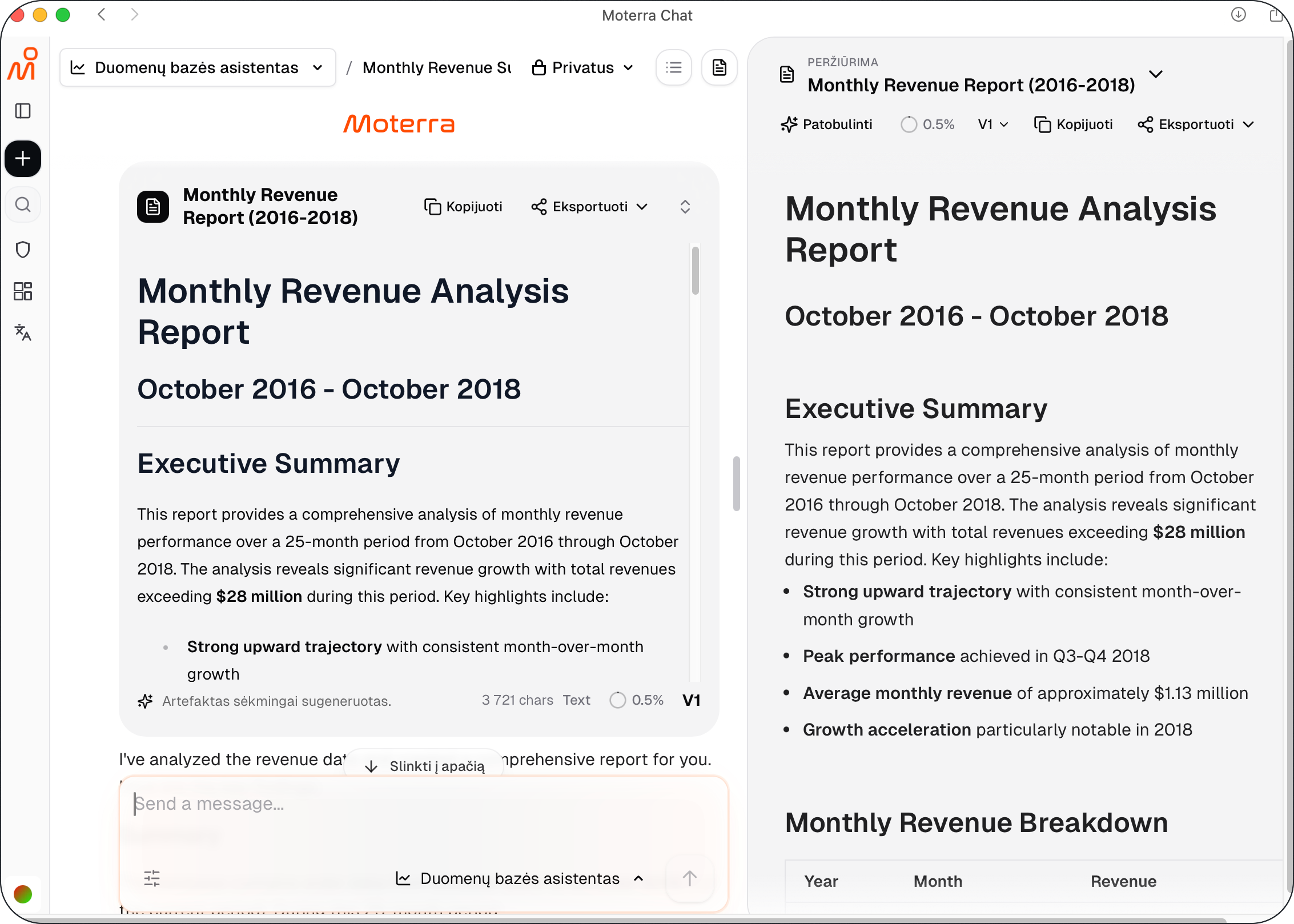
Summarise our total revenue by month for the past two years. Create a short report.
The assistant runs the necessary queries and generates a structured document based on the results.
What Documents Can Include
Generated documents may include:
Written summaries of results
Key findings and observations
Tables based on query results
Clear section headings
Documents focus on explaining what the data shows, not on raw SQL or technical details.
Updating or Refining a Document
If you want to adjust the output, you can ask the assistant to:
Shorten or expand the report
Focus on specific metrics or time periods
Rewrite the document for a different audience
Example request:
Update this report to focus only on yearly trends and keep it concise.
The assistant updates the document based on your instructions.
Best Practices for Reports and Documents
Clearly state the goal of the document
Specify the timeframe and metrics
Ask for one document at a time
Review and refine the output as needed
These practices help ensure clear and useful reports.
What to Read Next
Was this helpful?
Still need help? Ask the team