Writing an Effective Custom Agent System Prompt
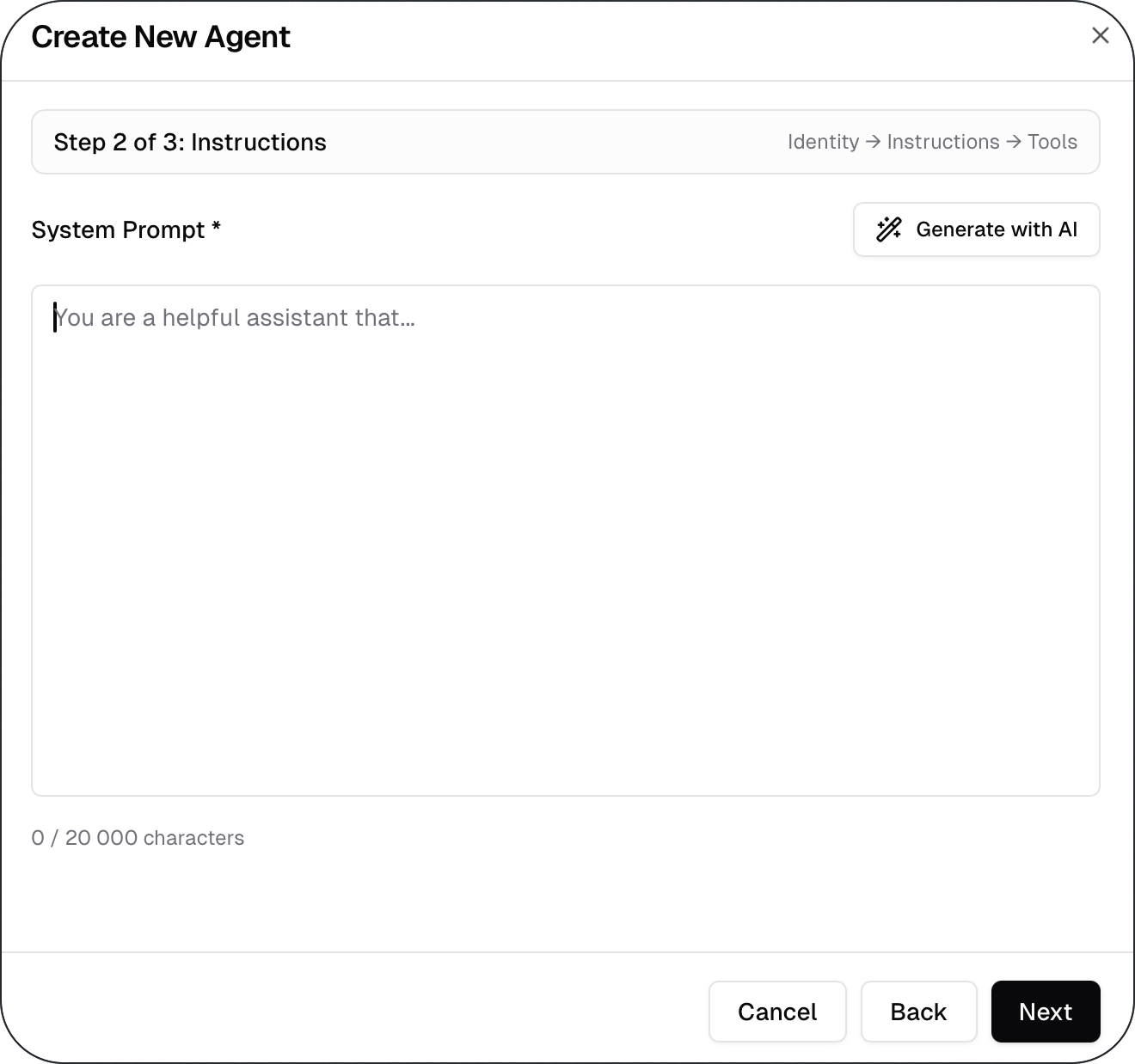
This article explains how to write an effective system prompt for a custom agent and why the system prompt is the most important part of agent behavior. A well-written system prompt defines what the agent does, how it responds, and what it should focus on.
Written By Kristė Vagnerytė
Last updated 8 months ago
What a System Prompt Does
The system prompt controls how a custom agent behaves.
It defines:
The role of the agent
The type of tasks it should handle
The rules it should follow
The tone and style of responses
Unlike user messages, the system prompt is always applied and shapes every response the agent produces.
Start with a Clear Role
Every system prompt should clearly define the agent’s role.
A good role description:
Is specific and task-focused
Matches the agent’s scope
Avoids generic wording
Good examples:
“You are a customer support agent answering product-related questions.”
“You are an internal assistant that summarizes company documents.”
Avoid vague roles like “helpful assistant” or “general AI”.
Describe the Agent’s Responsibilities
After defining the role, clearly state what the agent is responsible for.
Good responsibility definitions:
Focus on one type of task
Match how users are expected to use the agent
Do not overlap with unrelated use cases
Clear responsibilities help reduce inconsistent or irrelevant answers.
Add Rules and Constraints
Rules and constraints help keep agent behaviour predictable.
Use them to define:
What the agent should not do
How to handle missing information
When to ask for clarification
When to refuse or redirect a request
Constraints are especially important for keeping agents within their intended scope.
Define Tone and Output Style
Tone and output style should be defined explicitly.
For example:
Professional or casual tone
Short or detailed responses
Use of bullet points or paragraphs
Defining style helps ensure consistent output across different users and requests.
Keep the Prompt Clear and Focused
Effective system prompts are clear and concise.
Avoid:
Overly long instructions
Contradictory rules
Trying to handle multiple responsibilities in one prompt
If a prompt becomes complex, it’s often a sign that the agent’s scope should be revisited.
What to Read Next
Was this helpful?
Still need help? Ask the team