What Are Custom Agents in Moterra?
This article explains what custom agents are and how they help you create tailored AI experiences in Moterra. Custom agents allow admins to configure specialized versions of the assistant by defining their behavior, available tools, and access permissions.
Written By Kristė Vagnerytė
Last updated 8 months ago
What Are Custom Agents Used For?
Custom agents are used to handle specific tasks or serve specific teams.
Instead of relying on one general assistant, you can create custom agents that:
Follow predefined instructions
Use only selected tools
Are available only to certain users or groups
This helps ensure more consistent and predictable results.
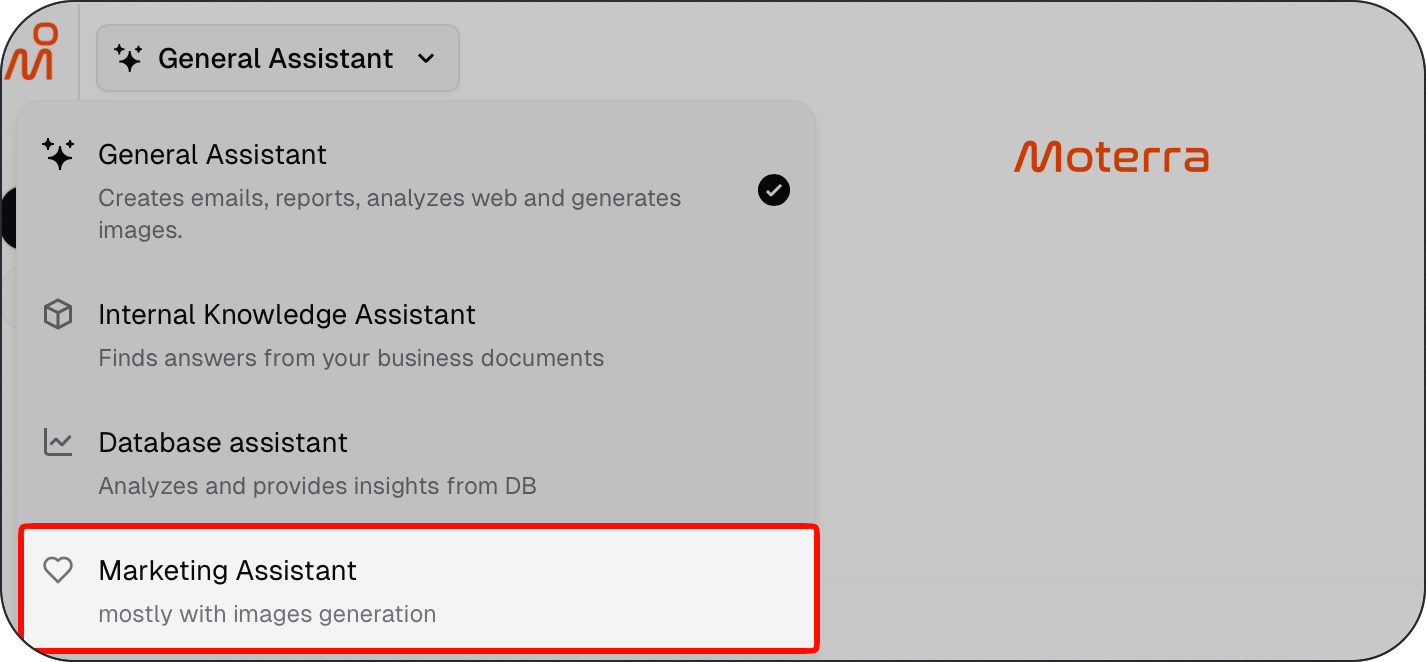
What You Can Configure in a Custom Agent
When creating a custom agent, you can configure the following:
Identity
Agent name and description
Icon
AI model used by the agent
Which users or groups can access the agent
Instructions
The system prompt that defines how the agent behaves
What the agent should focus on
Any rules or constraints it should follow
Tools
Which tools the agent is allowed to use
Examples include:
Knowledge base access
Web search
Document creation
Image generation
Data analysis
All custom agents currently use the same knowledge base, but their behaviour depends on the instructions, tools, and access settings you define.
How to Create a Custom Agent
To create a new custom agent:
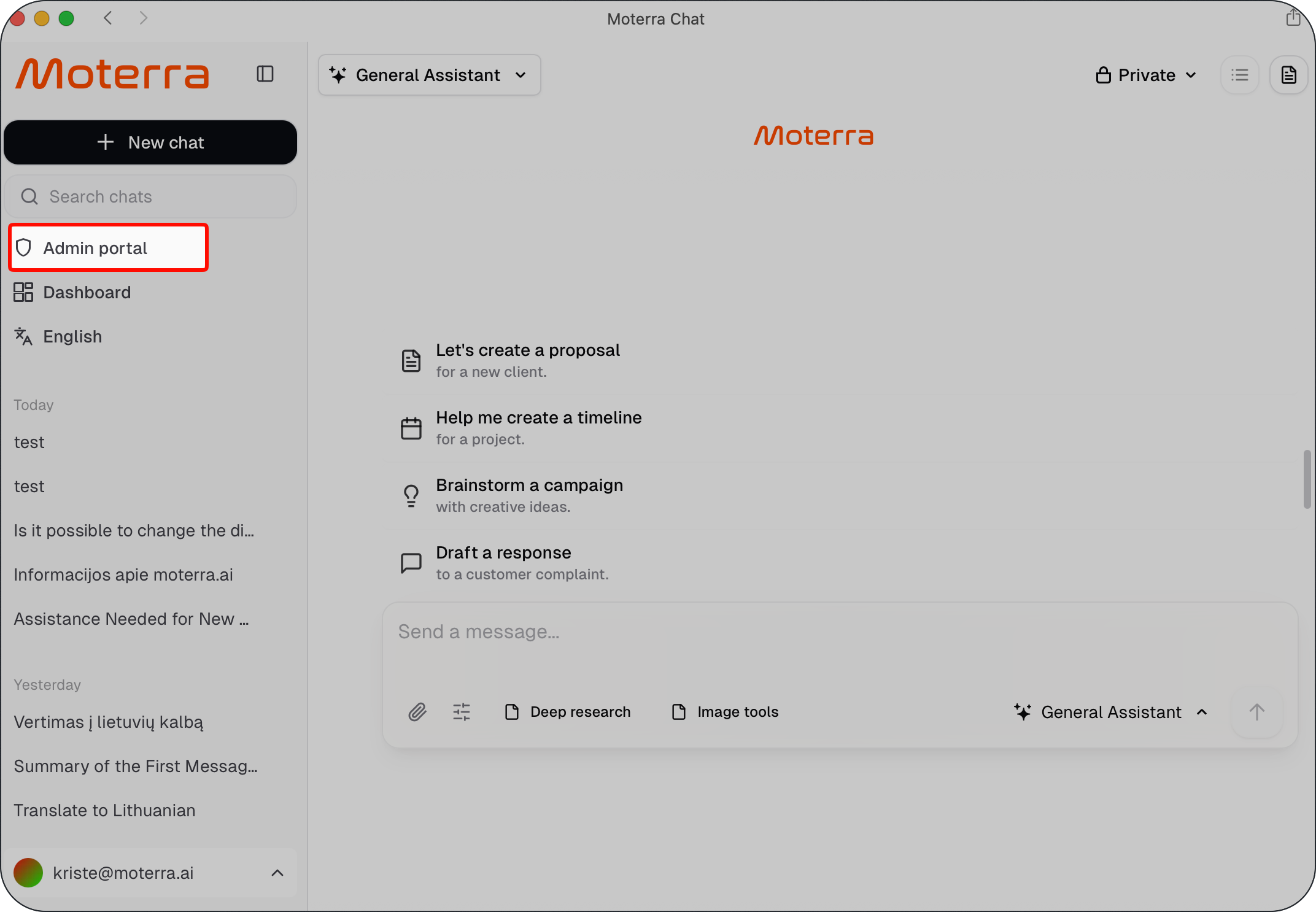
Open the Admin portal area in Moterra
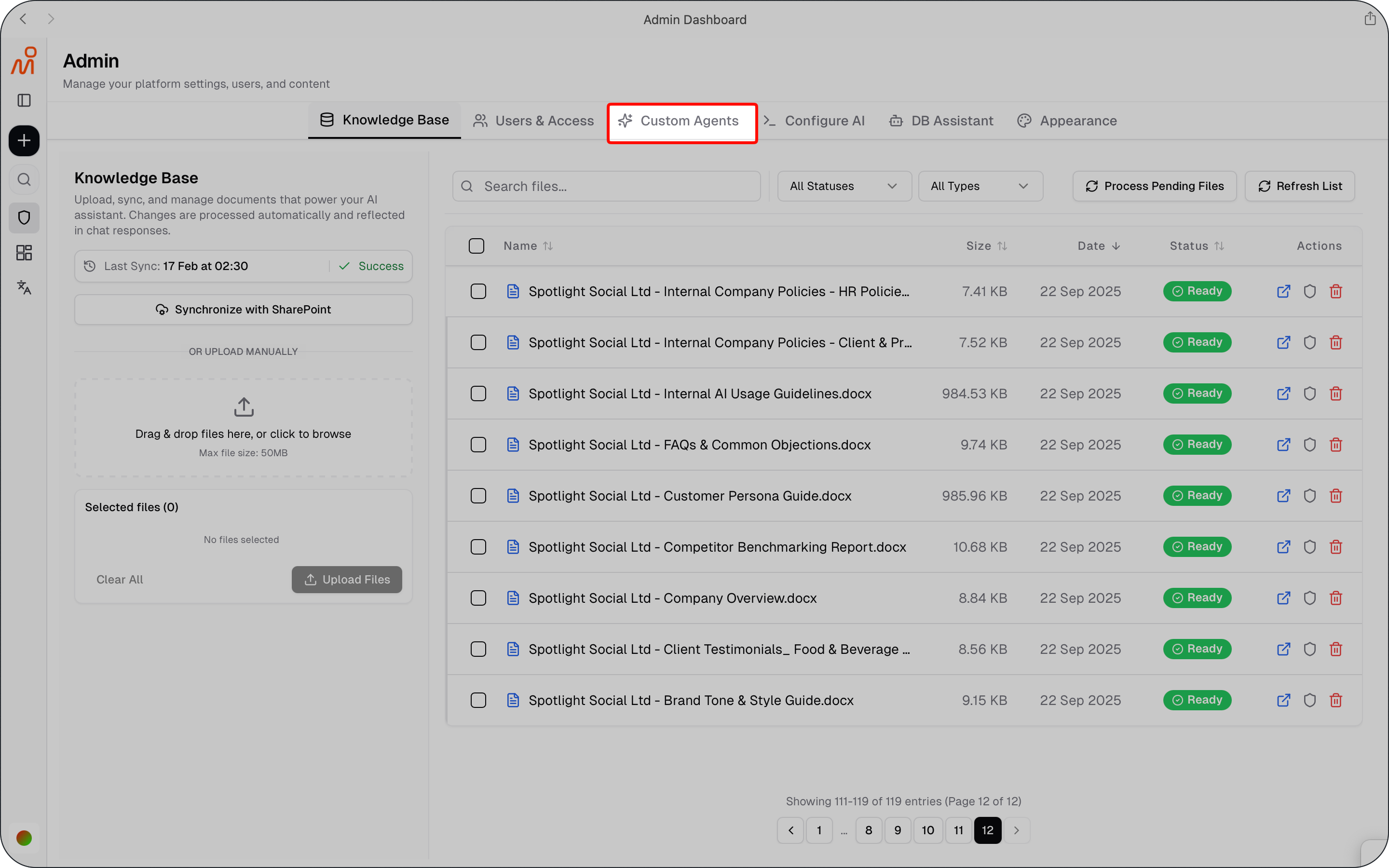
Go to Custom agents
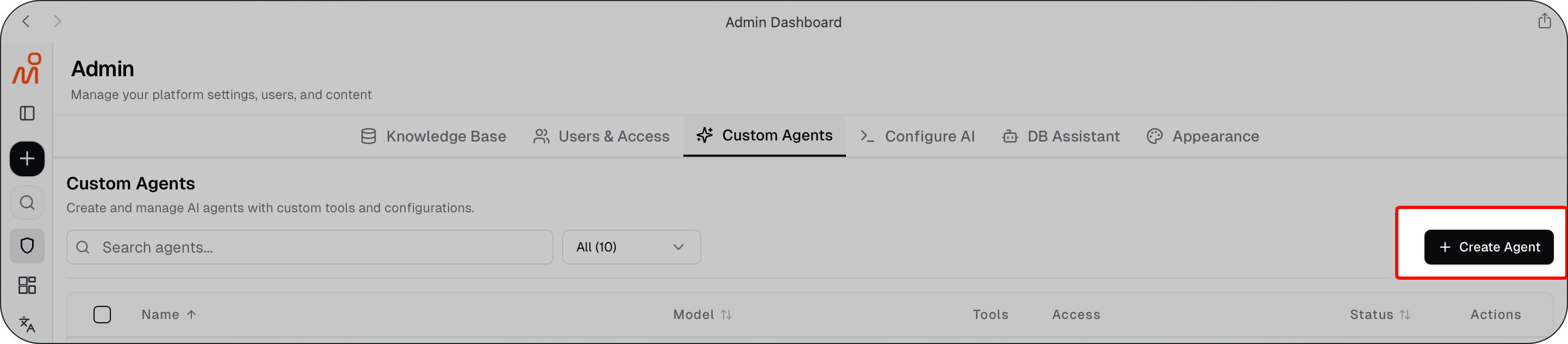
Click Create Agent
Configure the agent’s identity, instructions and tools
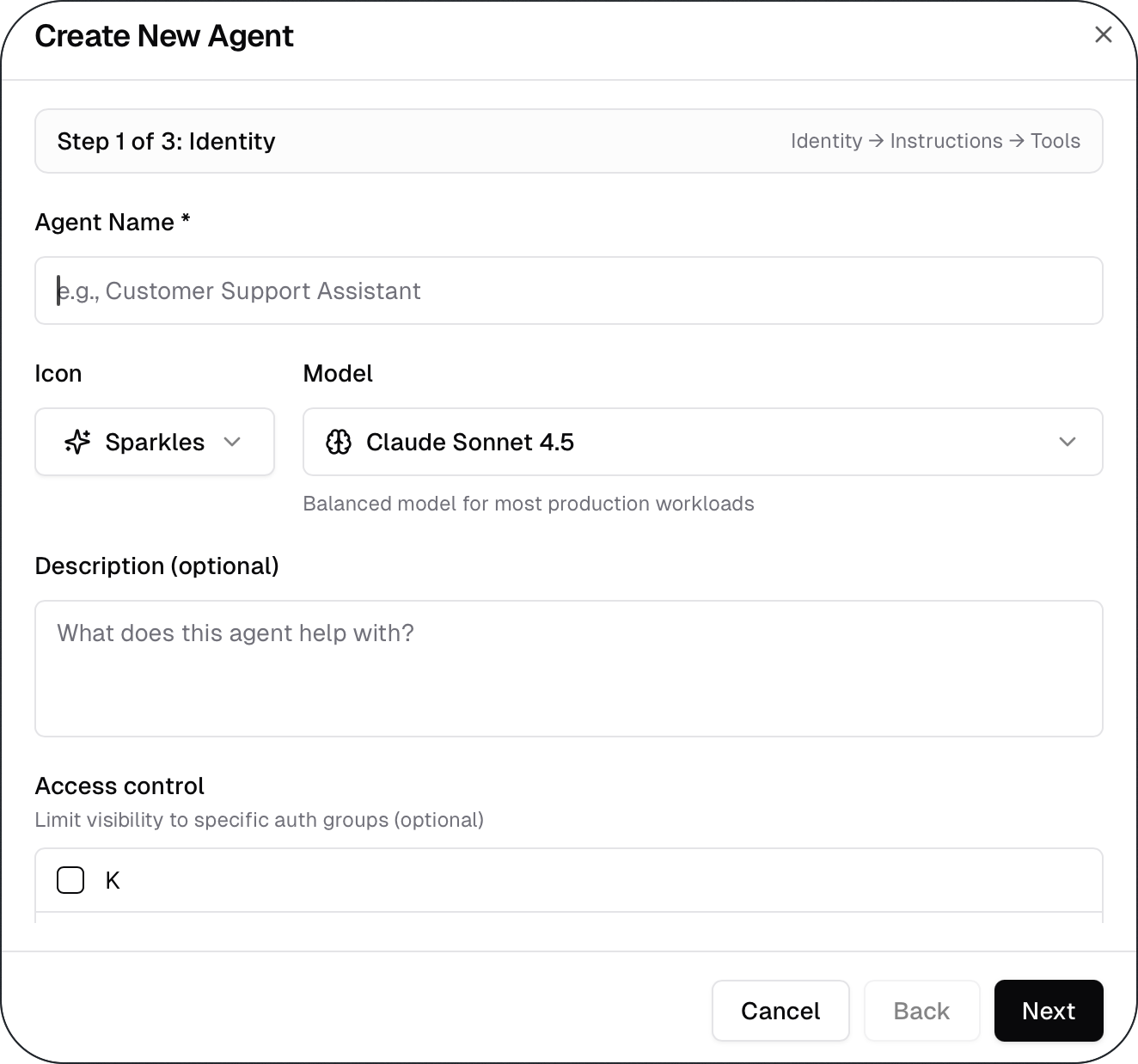
Save the agent
Once created, the custom agent becomes available to the users or groups you selected.
Who Can Create and Manage Custom Agents
Custom agents are managed in the Admin section of Moterra.
Only users with admin permissions can create and manage custom agents.
When to Use Custom Agents
Use custom agents when:
The General Assistant is too broad for your needs
You want more control over assistant behaviour
Different teams need different capabilities or access
Consistent behaviour across similar tasks is important
For simple or one-off requests, the General Assistant may be sufficient.
What to Read Next
Was this helpful?
Still need help? Ask the team