Researching Information with the General Assistant
The General Assistant can be used to research topics using publicly available information. It is well suited for tasks such as market research, trend analysis, comparisons, and high-level summaries. This article explains what types of research tasks the General Assistant supports and how to structure research requests effectively.
Written By Kristė Vagnerytė
Last updated 9 months ago
What You Can Research
You can use the General Assistant to:
Research markets, industries, and competitors
Explore trends and best practices
Compare products, services, or approaches
Summarize complex topics
Gather background information for internal decision-making
The assistant works with internet-based knowledge and the context you provide in your request.
When to Use the General Assistant for Research
Use the General Assistant when:
You need external or general information
You are researching trends, markets, or industries
You want a structured summary or comparison
The task does not depend on internal company documents
If your research relies on internal files or policies, use the Internal Knowledge Assistant instead.
How to Structure a Research Request
For better research results, include:
The topic you want to research
The scope (high-level overview or detailed analysis)
The purpose of the research
The format you want (summary, bullet points, table)
Providing this information helps the assistant focus on what matters.
Using Deep Research Mode
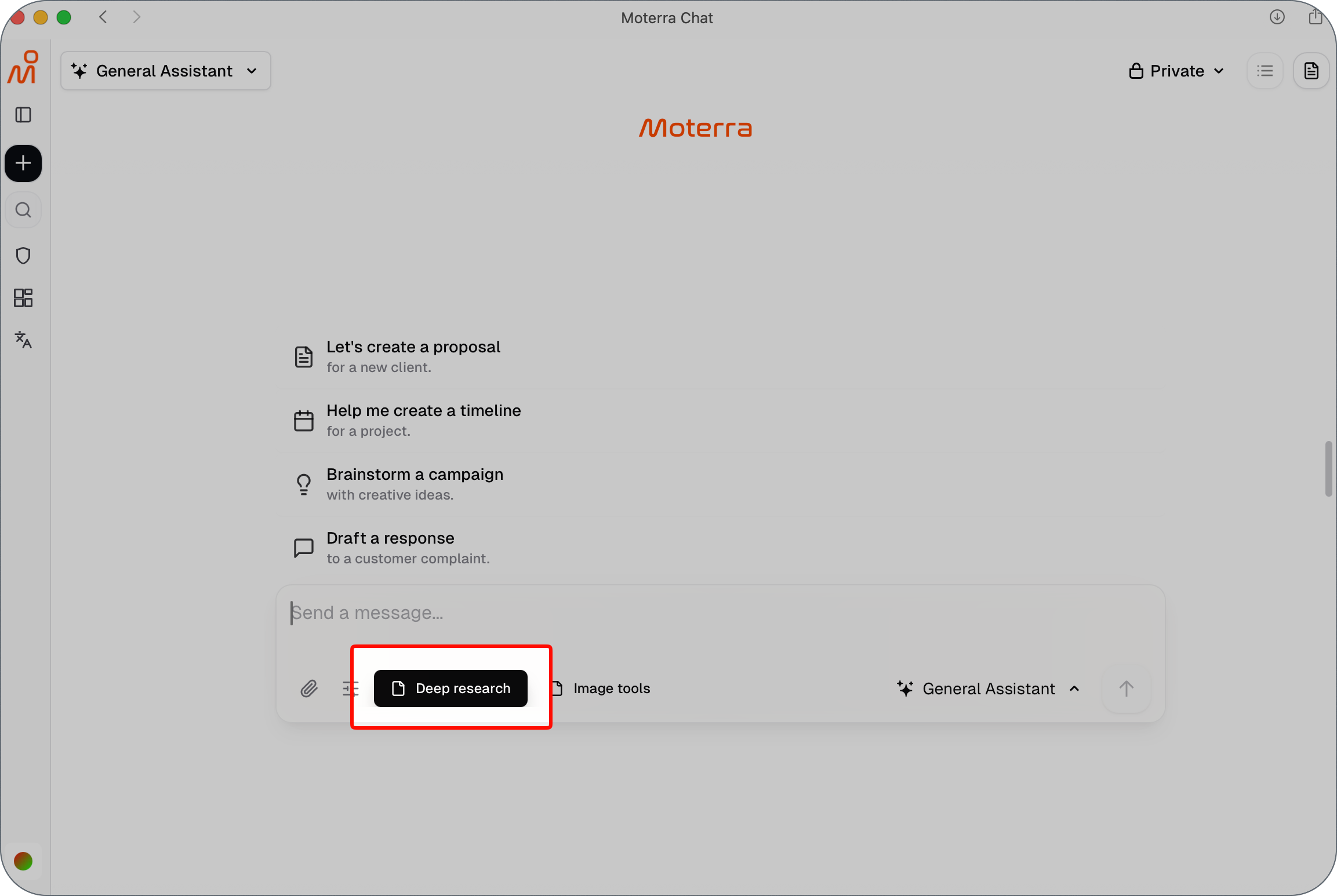
For more complex or in-depth research tasks, you can use Deep Research mode in the General Assistant.
Deep Research mode is useful when you need:
Broader coverage of a topic
More detailed analysis
Comparison of multiple perspectives
A comprehensive, structured summary
To use Deep Research, enable it by clicking the Deep Research button before submitting your request.
Example: Market Trend Research
Example request:
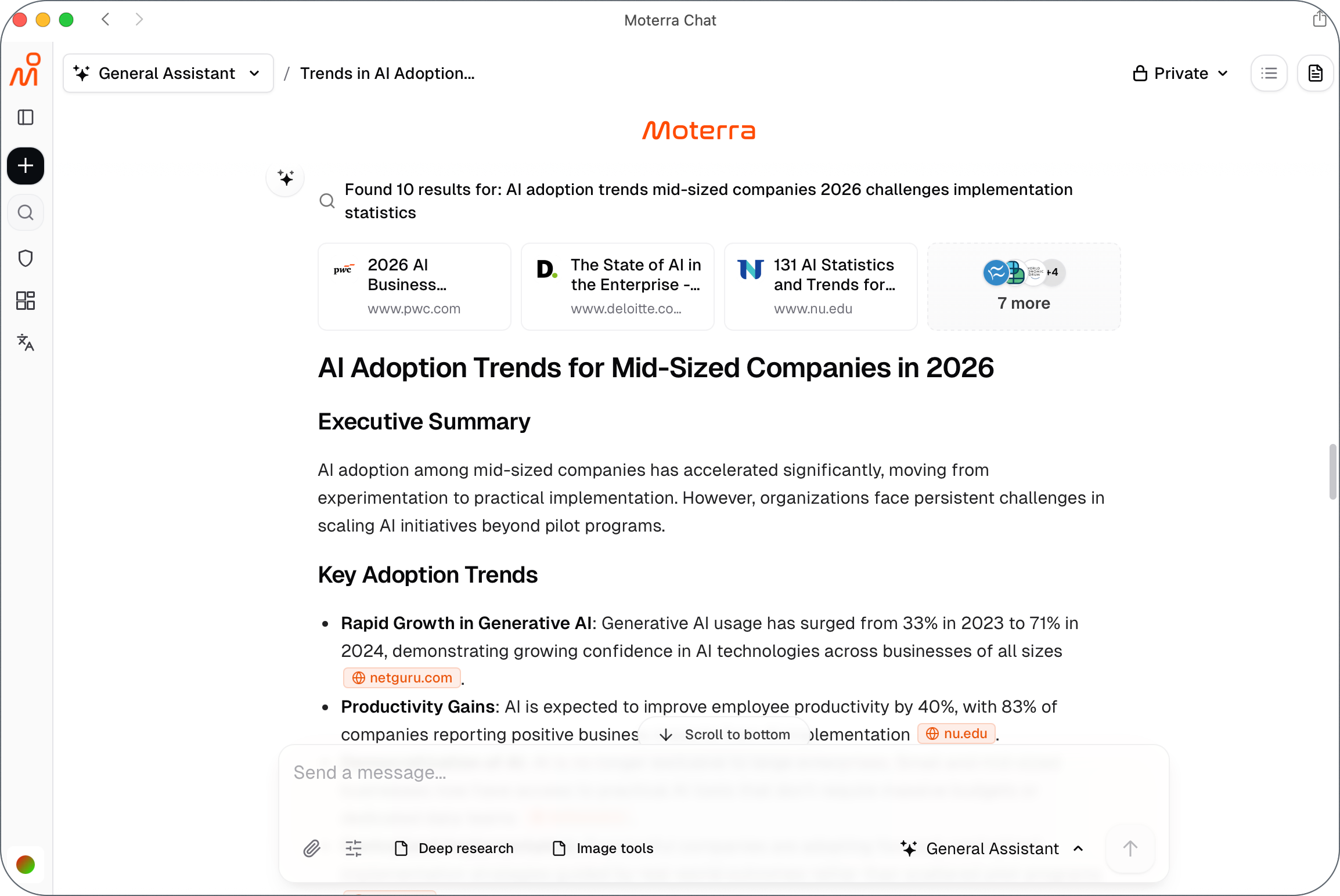
Research current trends in AI adoption for mid-sized companies in 2026.
Summarize the key trends and common challenges.
The audience is internal leadership.
Present the findings as a short, structured summary with bullet points.
What happens next:
The assistant gathers publicly available information.
The response highlights major trends and recurring themes.
The output can be used for planning, strategy, or presentations.
Narrowing or Expanding the Research
If the result is too broad or too detailed, you can:
Focus on a specific market, industry, or region
Ask for fewer or more examples
Request a shorter summary or deeper analysis
Small adjustments help refine the output without restarting the task.
Common Mistakes to Avoid
Asking very broad questions without defining scope
Mixing multiple research topics in one request
Expecting internal company knowledge without providing it
Not specifying the intended audience or purpose
Clear boundaries lead to more relevant research results.
What to Read Next
Was this helpful?
Still need help? Ask the team