Best Practices for Better Results
This article covers practical tips to help you work more effectively with Moterra and get clearer, more accurate results across all assistants.
Written By Kristė Vagnerytė
Last updated 8 months ago
Start a New Chat When Changing Topics
Every message you send includes the full conversation history.
When multiple topics are mixed in one chat, it can:
slow down responses
cause incomplete or mixed answers
reduce overall accuracy
💡Pro Tip:
Start a new chat whenever you begin a new task or switch topics.
Focus on One Task at a Time
Assistants work best when given one clear task.
❌ Not recommended:
Analyze the data, create a chart, and write a report.
✅ Recommended:
Analyze the data.
(then)
Create a chart based on the results.
This approach leads to more accurate and reliable outputs.
Be Specific About Your Goal and Format
Providing clear context improves results.
When possible, specify:
The timeframe
Your goal
The expected output or format
Example:
Compare monthly sales over the past 12 months and provide a short summary.
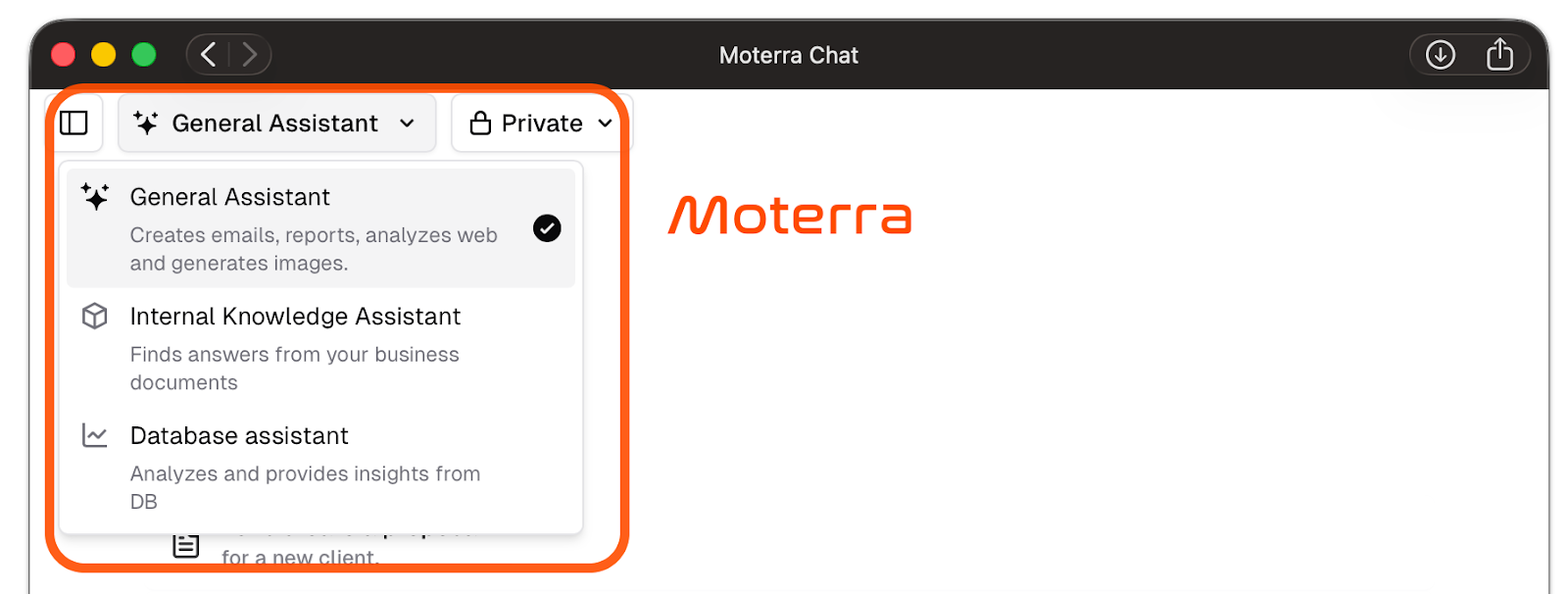
Choose the Right Assistant
Each assistant is designed for a specific type of task:
General Assistant – content creation and public internet information
Internal Knowledge Assistant – company documents and internal data
Database Assistant – structured data and database analysis
If results seem off, double-check that you’re using the right assistant.
Jump to Previous Answers
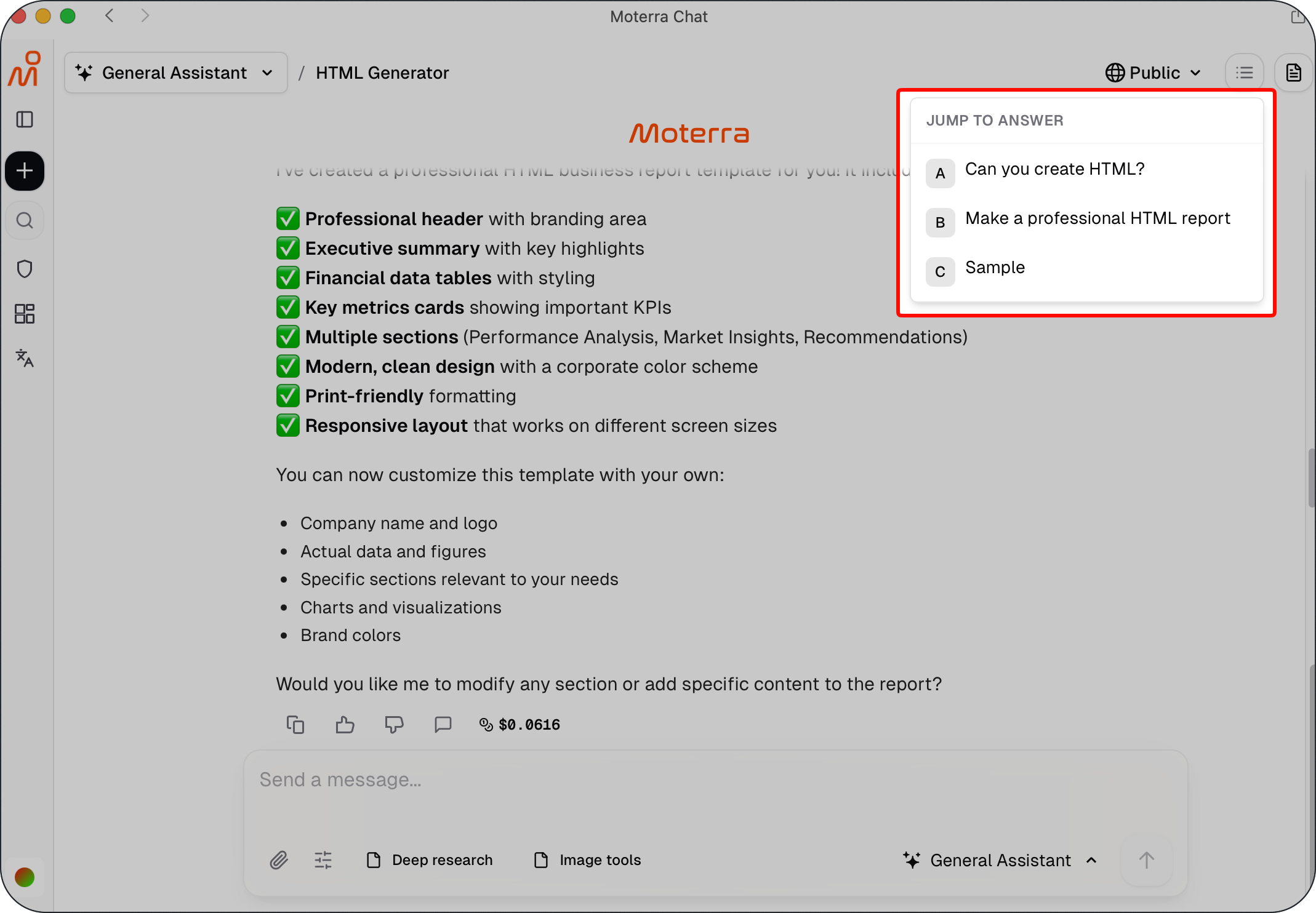
In long conversations, finding earlier assistant responses can be difficult.
The Jump to previous answers feature lets you quickly navigate to earlier assistant responses without scrolling through the entire conversation. It automatically detects assistant responses and lets you jump directly to the selected point in the chat.
This feature works across all assistants and is especially useful when:
Reviewing earlier results
Returning to documents or analyses
Working in long conversations
💡 Pro Tip:
Use Jump to previous answers to quickly return to earlier assistant responses in long chats.
Refine Your Prompt Instead of Starting Over
If a response is close to what you need, refine it rather than rewriting everything.
You can ask the assistant to:
shorten or expand the answer
change the focus
rewrite it in a different tone or format
Example:
Refine this summary and focus only on the key takeaways.
When to Use the Prompt Library
The Prompt Library is useful when:
Tasks repeat frequently
You need inspiration
You want to standardise prompts across your work
Ready-to-use examples help you get started faster and save time.
Summary
Following these best practices helps you:
get clearer and more accurate results
work more efficiently across assistants
reduce confusion and repetition
Small changes in how you work with Moterra can make a big difference.
What to Read Next
Was this helpful?
Still need help? Ask the team