Admin Portal Overview
The Admin Portal is where administrators manage platform-wide settings, users, content, and AI behaviour in Moterra. It is designed for users responsible for configuring how Moterra works across their organisation.
Written By Kristė Vagnerytė
Last updated 8 months ago
What the Admin Panel Is Used For
The Admin Panel allows you to:
Manage users and their access
Control permissions and visibility
Configure knowledge sources
Adjust system-level AI behaviour
Customise branding and appearance
Manage agents and assistant configurations
Most day-to-day user interactions happen outside the Admin Panel, while global configuration and governance happen here.
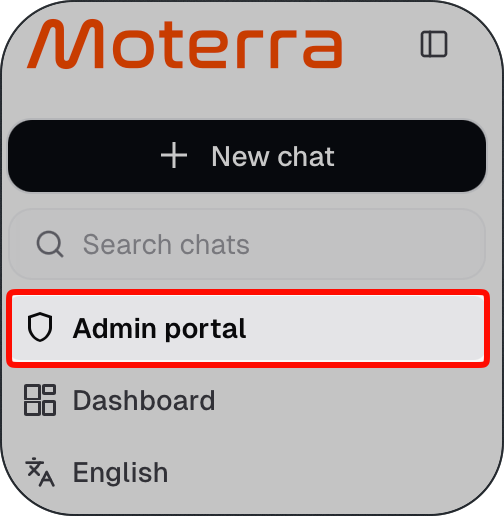
Main Sections of the Admin Panel
The Admin Panel is divided into several sections, each focused on a specific administrative task.
Knowledge Base
Upload, sync, and manage documents that power AI responses across the platform.
User Management
Add, remove, and manage users, including assigning administrative access.
Access Management
Create and manage access groups used to control permissions and restrict visibility.
Chat Management
Manage chat suggestions and predefined prompts used by different assistants.
System Prompts
Define system-level prompts that control the behaviour of built-in assistants.
Branding
Customise logos and visual elements used across the Moterra interface.
Database Assistant
Configure instructions, views, and data sources used by the database assistant.
Custom Agents
Create and manage individual agents with specific instructions, tools, and access rules.
Who Should Use the Admin Panel
The Admin Panel is intended for:
Organisation administrators
Team leads managing access and content
IT or operations roles responsible for configuration
Regular users don’t have access to the Admin Panel.
What to Read Next
Branding
Was this helpful?
Still need help? Ask the team